

Overview
RainbowKit is a React library that makes it easy to add wallet sign-in to your onchain application. It’s designed to work out-of-the-box and includes native support for Base Account. By integrating RainbowKit with Base Account, you can provide your users with a seamless onboarding experience while maintaining access to the full Base Account feature set.What you’ll achieve
By the end of this guide, you will:- Set up RainbowKit with Base Account support
- Learn how to use both
ConnectButtonandWalletButtoncomponents - Configure your app to prioritize Base Account as the primary wallet option
- Obtain and configure a Reown project ID (required for RainbowKit projects)
Installation
After creating a new Next.js project, install the required dependencies:Get Your Reown Project ID
Before you can use RainbowKit with Base Account, you need to obtain a project ID from Reown Cloud.- Visit Reown Cloud Dashboard
- Sign up for a free account or log in if you already have one
- Create a new project and copy the project ID.
Configuration
1. Configure Wagmi with RainbowKit
Create awagmi.ts file in your src directory to configure your blockchain connections and wallet options:
src/wagmi.ts
2. Set up RainbowKit Provider
Wrap your application with the necessary providers in your_app.tsx:
src/pages/_app.tsx
Usage
RainbowKit provides two main components for wallet connections:ConnectButton and WalletButton. Both components support Base Account out of the box.
Option 1: Using ConnectButton
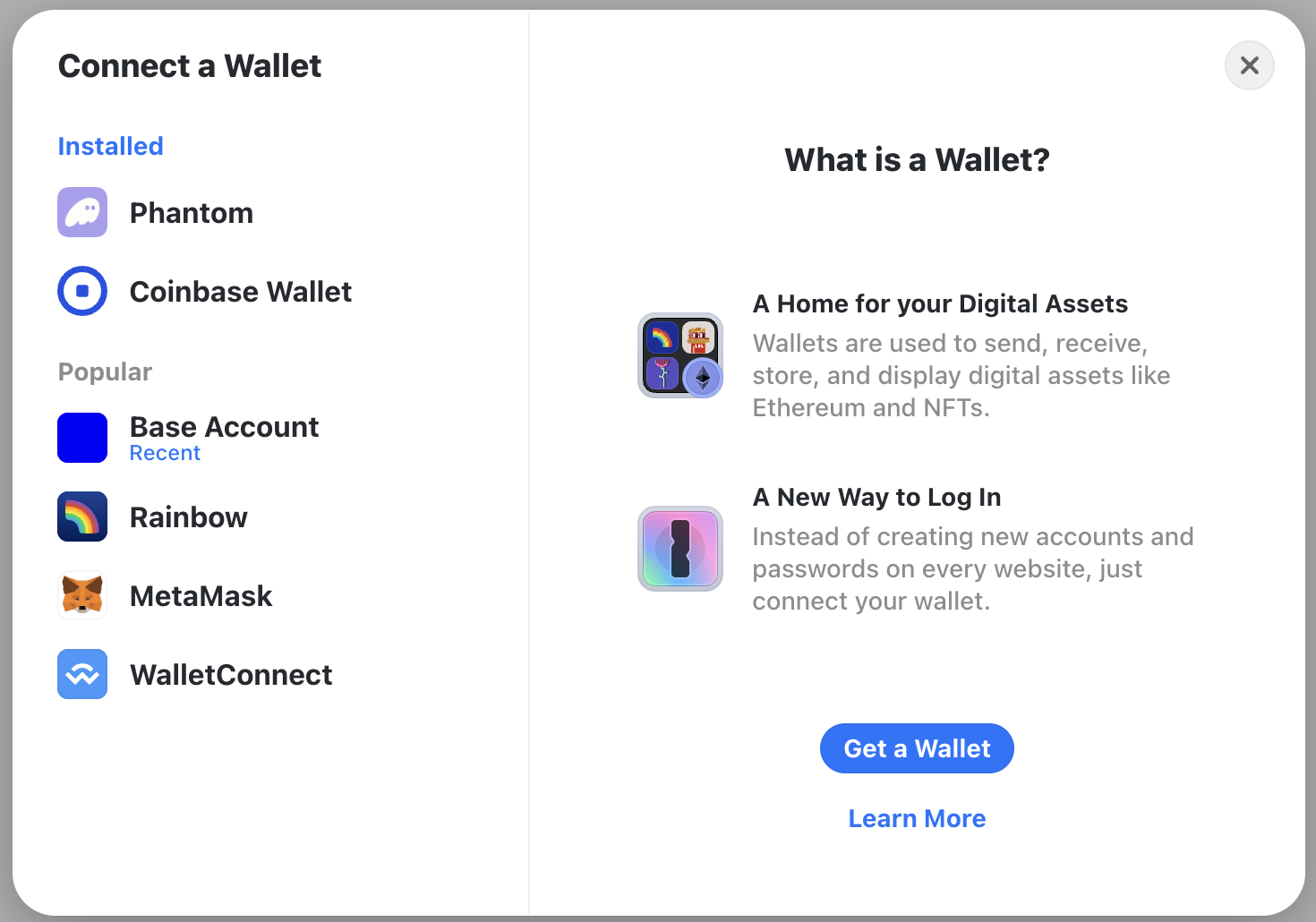
TheConnectButton is RainbowKit’s all-in-one wallet connection component. It displays the wallet connection modal with all available wallets, including Base Account.
src/pages/index.tsx
Option 2: Using WalletButton for Base Account
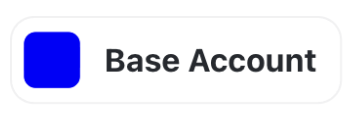
TheWalletButton component provides a direct connection to a specific wallet. This is ideal when you want to highlight Base Account as the primary wallet option.
src/pages/index.tsx
Advanced Configuration
Prioritize Base Account in Wallet List
To make Base Account appear first in the wallet connection modal, you can customize the wallet order:src/wagmi.ts
Customize RainbowKit Theme
RainbowKit supports extensive theming options:src/pages/_app.tsx
Access Wallet Connection State
Use wagmi hooks to access wallet connection state throughout your app:Switch Networks Programmatically
Allow users to switch between different chains:Best Practices
Use Environment Variables
Store sensitive configuration like your Reown project ID in environment variables, not in your code:
.env.local
Enable SSR Support
Always set
ssr: true in your wagmi config for Next.js applications to avoid hydration issues:Prioritize Base Chain
Put Base as the first chain in your configuration to make it the default:
Keep Dependencies Updated
Regularly update RainbowKit, wagmi, and viem to get the latest Base Account features and security patches:
Next Steps
Now that you have RainbowKit configured with Base Account, you can:Explore Base Account Features
Learn more about Base Account and its features
Explore RainbowKit Docs
Learn more about RainbowKit and its features
Explore Wagmi Docs
Learn more about wagmi and its features
Join the Base Community
Join the Base community and get help from other developers